The Strength Tracker Built for Lifters Who Care About Getting Stronger
RepTally tracks your squat, bench, deadlift, and every other lift — logging PRs automatically and showing you exactly how your strength is trending over weeks and months. Free, no subscription.
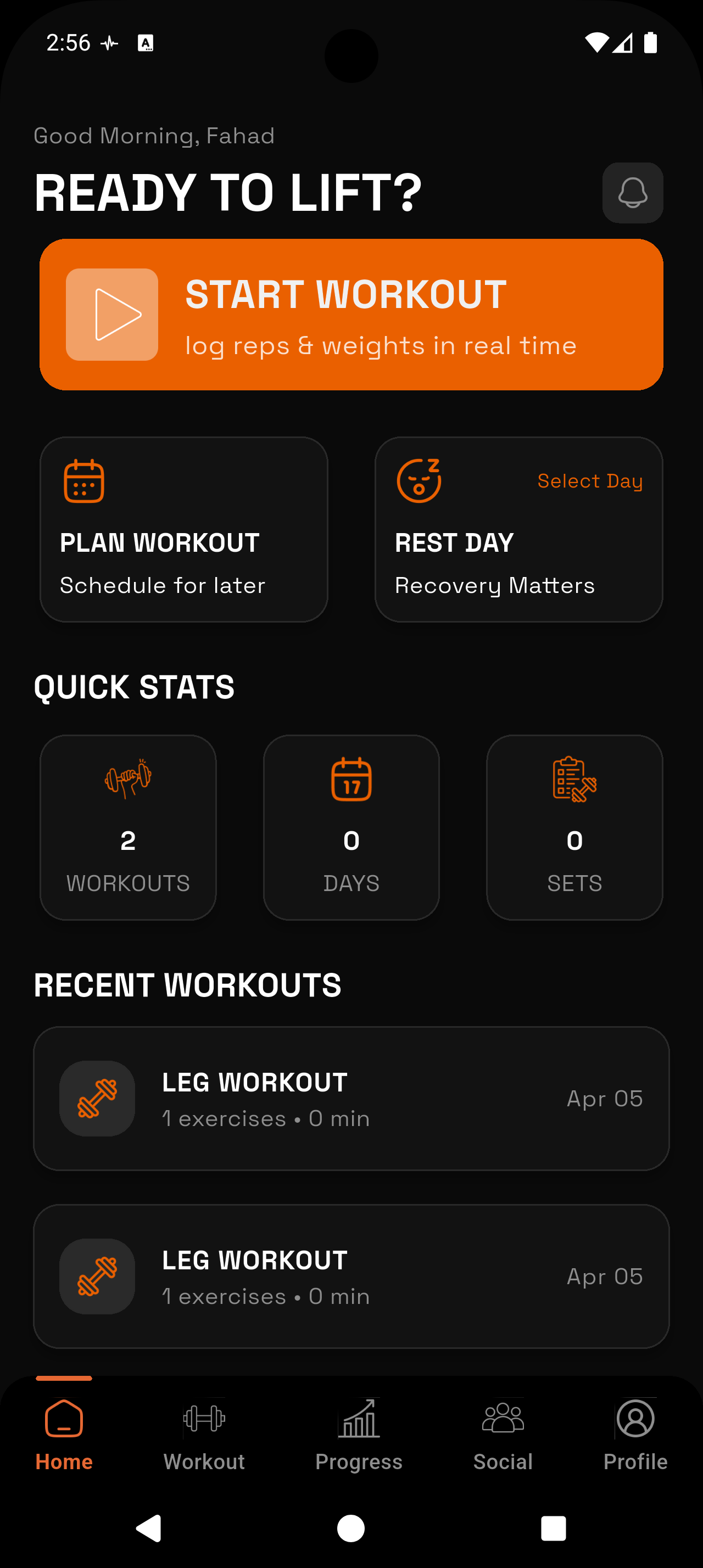
_1783546723734-CXKxCrzf.webp)
Automatic PR Detection
Every time you set a new personal record on any lift, RepTally flags it immediately. No manual tracking required — your bests are always up to date.
Estimated 1RM Tracking
RepTally calculates your estimated one-rep max from your working sets and plots it over time so you can see your true strength trend, not just your heaviest single.
Full Lift History
Pull up the complete history of any exercise in seconds. See every set, rep, and weight you have ever logged — essential for knowing what to beat next session.
Volume and Max Weight Charts
Visual progress charts show total weekly volume and max weight per session side by side, so you understand whether your strength gains are coming from load, volume, or both.
Set Type Tagging
Mark individual sets as warmup, working, or failure. Your PR and 1RM calculations only pull from working sets, keeping your progress data clean and accurate.
Offline Logging
No Wi-Fi in your gym? No problem. Log every set offline and RepTally syncs automatically when you get a connection back.
How It Works
Build your strength routine
Open RepTally and create a custom routine with your main compound lifts — squat, bench press, deadlift, overhead press, or whatever your program calls for. Arrange exercises in the order you train them.
Log each working set
During your session, record the weight, reps, and set type (warmup, working, or failure) for each set. The app is designed to be fast — a few taps per set so you can stay focused on lifting.
Watch RepTally flag your PRs
Whenever you hit a new personal record on a lift — whether it is a rep PR at a given weight or a new estimated 1RM — RepTally marks it automatically. No spreadsheet formulas needed.
Check your strength charts
Between sessions or after a training block, open the progress charts for any exercise. You can view your estimated 1RM trend, max weight per session, and total volume over time on a single screen.
Use your history to plan your next session
Before you start training, pull up the previous session for that lift. See exactly what you hit last time and target a small improvement — more weight, one extra rep, or an additional set.
Why Strength Tracking Is Different from General Workout Logging
Most workout apps treat every training goal the same. A strength-focused lifter and someone doing cardio circuits end up using the same interface, the same charts, and the same data structure. That mismatch creates friction.
If your primary goal is getting stronger on the squat, bench, deadlift, or other compound lifts, the numbers you care about are specific: personal records, estimated one-rep max, and whether those numbers are trending upward over months of training. You need a gym log that surfaces that information clearly, without burying it under features you never use.
RepTally is built around sets, reps, and weight — the raw material of strength training. The PR tracking and 1RM charts are core to the app, not add-ons.
How Estimated 1RM Tracking Works
Your one-rep max is the standard unit of strength. But you rarely actually test it — doing a true max single on every lift every week is a fast path to injury and burnout. Instead, RepTally estimates your 1RM from your working sets using a well-established formula based on reps performed and weight used.
The key is consistency. Because RepTally stores every working set you have ever logged, it can plot your estimated 1RM across your entire training history for any exercise. You can see whether you are genuinely getting stronger over a training block, or whether progress has stalled.
Set tagging matters here. When you mark a set as a warmup, it is excluded from the 1RM calculation. When you mark a set as failure, RepTally notes it separately. Only your working sets feed the strength trend — which means the data reflects actual performance, not noise.
Personal Records: Automatic and Always Current
RepTally tracks personal records automatically across two dimensions: the heaviest weight you have lifted for a given number of reps, and your highest estimated 1RM on each exercise. There is nothing to configure — it happens in the background every time you log a session.
When you set a new PR during a workout, the app flags it immediately. Over time, the PR board for each lift becomes a running record of your best performances, organized by exercise.
- Rep PRs: your heaviest logged weight for 1 rep, 2 reps, 3 reps, and so on
- Estimated 1RM PR: the single highest calculated one-rep max for that exercise
- No manual entry required — every new session is compared to your historical bests automatically
Tracking Strength Over a Full Training Block
Single-session numbers tell you how today went. What you actually need to assess a training program is a multi-week view. Did your squat go up over the last eight weeks? Is your overhead press stalling? Are you accumulating more total volume on bench while also hitting heavier weights?
RepTally's progress charts answer these questions without any manual data entry. Every session you log feeds into the charts automatically. You can zoom out to see months of data or narrow down to recent weeks to spot short-term trends.
This is especially useful when running a periodized program — linear progression, 5/3/1, conjugate, or any other structure. The chart makes it obvious whether the program is working, and gives you data to bring to a coach or to make your own programming adjustments.
What RepTally Does Not Do (and Why That Is Fine)
RepTally does not currently sync with Apple Health or Google Fit. It does not have trainer-made workout templates yet — those are planned for a future release. There are no paid subscription tiers.
For lifters whose primary goal is strength, none of those missing features changes how you train. What matters is that your sets, reps, weights, and PRs are logged accurately and that you can see the trend over time. That is exactly what RepTally does.
The app works offline, so a basement gym or commercial gym with spotty signal is not a problem. Data syncs when you reconnect. The rest timer is built in, so you do not need a separate app to manage your between-set rest periods.
Frequently Asked Questions
Train. Track. Tally.
RepTally is free to use. Download it today and start logging your workouts in seconds.