See Your Full Fitness Progress: Strength, Bodyweight, and More
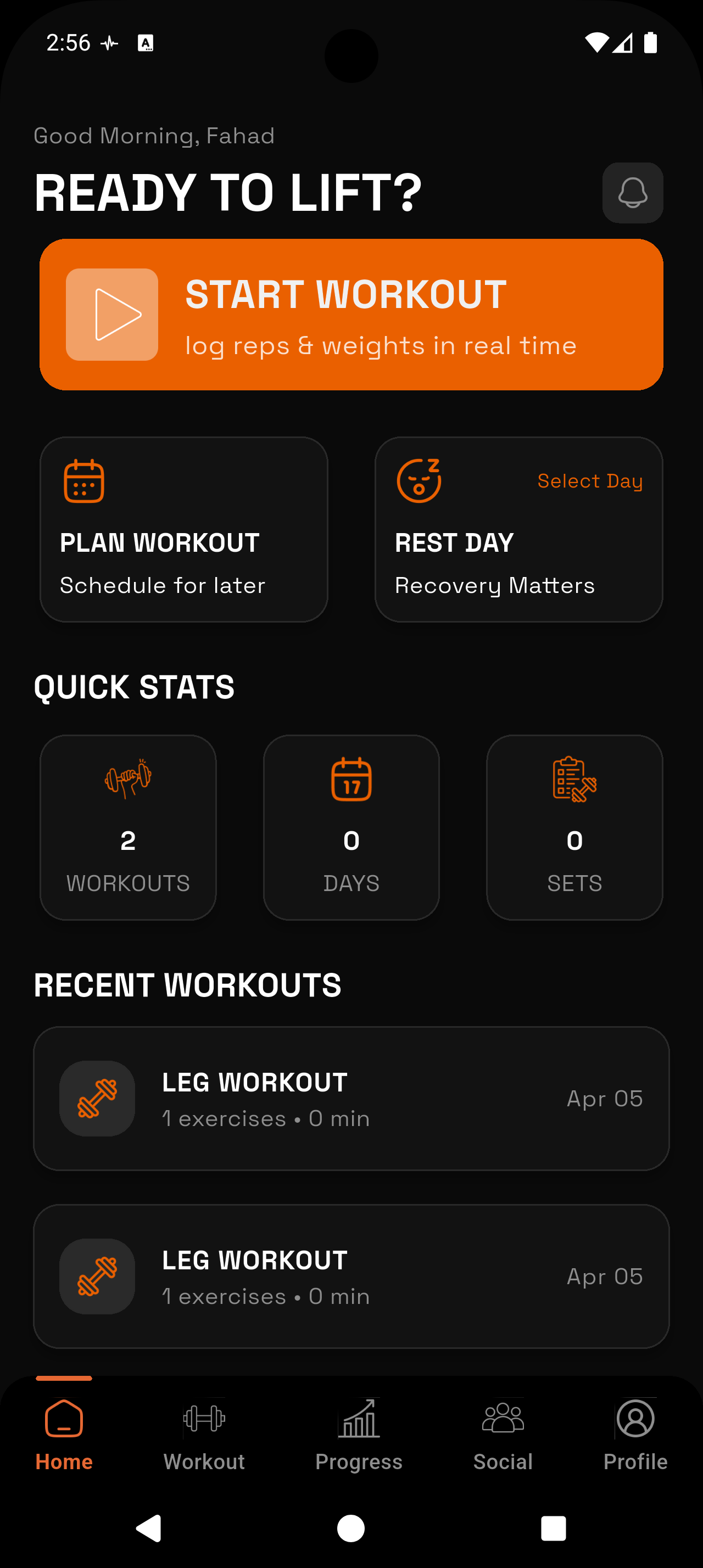
RepTally gives you the complete picture — strength charts, bodyweight trends, and automatic PR tracking, all in one free app. No subscriptions.
_1783546723734-CXKxCrzf.webp)
Strength Progress Charts
Visualize volume, max weight, and estimated 1RM over time for every exercise you track. Spot plateaus before they become problems.
Bodyweight Tracking
Log your bodyweight alongside your lifts so you can see how body composition changes correlate with strength gains.
Automatic PR Detection
RepTally flags personal records as you log them. You never have to manually search your history to find your all-time best.
Full Workout History
Every session is saved. Pull up exactly what you lifted on any given day — weight, sets, reps, and notes — without digging through spreadsheets.
Set-Level Detail
Mark individual sets as warmup, working, or failure. Your progress charts reflect only the data that matters, not warm-up noise.
Offline, Always Available
Basement gym with no signal? No problem. RepTally logs offline and syncs when you reconnect, so your progress data is never lost.
How It Works
Log your first workout
Open RepTally, start a session, and record your exercises with sets, reps, and weight. The logging interface is built for speed — minimal taps, back to lifting.
Mark set types accurately
Flag each set as warmup, working, or failure. This keeps your progress charts clean and makes your working-set trends meaningful.
Add your bodyweight
Log your bodyweight regularly from the bodyweight tracking section. Over weeks, you can overlay weight trends with strength performance to understand what's driving your results.
Review your progress charts
After a few weeks of logging, open the charts for any exercise. You'll see volume over time, max weight, and estimated 1RM plotted so you can confirm you're actually progressing.
Let PR tracking work automatically
RepTally detects personal records as you log. Check the PR history at any point to see milestones across every lift you've tracked.
Why Tracking Fitness Progress Means More Than Just Counting Reps
Most people go to the gym with a vague sense of whether they're improving. They remember hitting a big squat a few months ago, but couldn't tell you the exact weight or when it happened. That gap between effort and awareness is where progress stalls.
Tracking fitness progress properly means capturing the full picture: how your strength is trending across all your lifts, how your bodyweight is changing, and where you've hit new personal bests. Any one of those in isolation tells a partial story. Together, they tell you whether your training is actually working.
RepTally is built to capture that complete picture without adding friction to your workout. Fast logging means you're not spending time on data entry — you're spending time lifting, and the data takes care of itself.
Strength Charts: Volume, Max Weight, and Estimated 1RM
For each exercise you track in RepTally, you get three key views of progress: total volume (sets × reps × weight), max weight lifted in a session, and estimated 1RM calculated from your working sets.
Volume is the broadest measure of training load. Watching volume trend upward over weeks or months confirms you're doing more work — even when individual session weights fluctuate. Max weight gives you a cleaner signal on raw strength. Estimated 1RM lets you compare performance across different rep ranges, which matters if you're running programs that shift between higher and lower reps.
The chart view is intentionally straightforward. Pick an exercise, pick a metric, and see it plotted over your full logging history. No configuration required.
Bodyweight Tracking Alongside Your Lifts
Strength numbers alone don't always tell you what you need to know. If your squat goes up 20 pounds over three months but your bodyweight also goes up 15 pounds, that context changes how you interpret the result. If your bodyweight holds steady while your bench climbs, that's a cleaner strength gain.
RepTally includes a dedicated bodyweight tracking log separate from your workout sessions. You can record your weight as often or as infrequently as makes sense for your goals — daily, weekly, or just when it feels relevant.
Having both data streams in the same app means you don't have to cross-reference a separate notes file or health app to understand your progress. Everything is in one place.
Personal Records: The Milestones That Actually Matter
PR tracking in RepTally is automatic. As you log sets, the app identifies when you've hit a new best — no manual flagging, no reviewing old entries yourself.
This matters because PRs are motivating when you notice them, but easy to miss when you're focused on finishing a session. Automatic detection means you see them in real time, and they're logged for future reference.
- PRs are tracked per exercise across your full logging history
- Setting type (warmup vs. working) influences what counts — warmup sets don't inflate your records
- You can review your PR history at any point without digging through individual sessions
- PRs give you concrete milestones to aim for, not just vague "get stronger" targets
Building a Long-Term Record of Your Training
The value of a gym log compounds over time. A week of data tells you almost nothing. Three months of data shows you clear trends. A year or more gives you the ability to compare training blocks, identify what programming worked, and understand how life stressors affected performance.
RepTally stores every session permanently. You can scroll back through your full workout history and see exactly what you lifted on any given day — including notes you left about how the session felt, any technique cues you were working on, or why a session was cut short.
That historical record is also practically useful mid-workout. Before you load the bar, you can check what you hit last time for that exercise without leaving the logging screen. Knowing your previous session's numbers removes the guesswork from deciding what to attempt.
Frequently Asked Questions
Train. Track. Tally.
RepTally is free to use. Download it today and start logging your workouts in seconds.