
The Exercise Log That Shows You Exactly Where You Left Off
Pull up any lift — bench press, squat, deadlift — and see every session you've ever logged for it. RepTally keeps a complete per-exercise history so you always know what to beat.
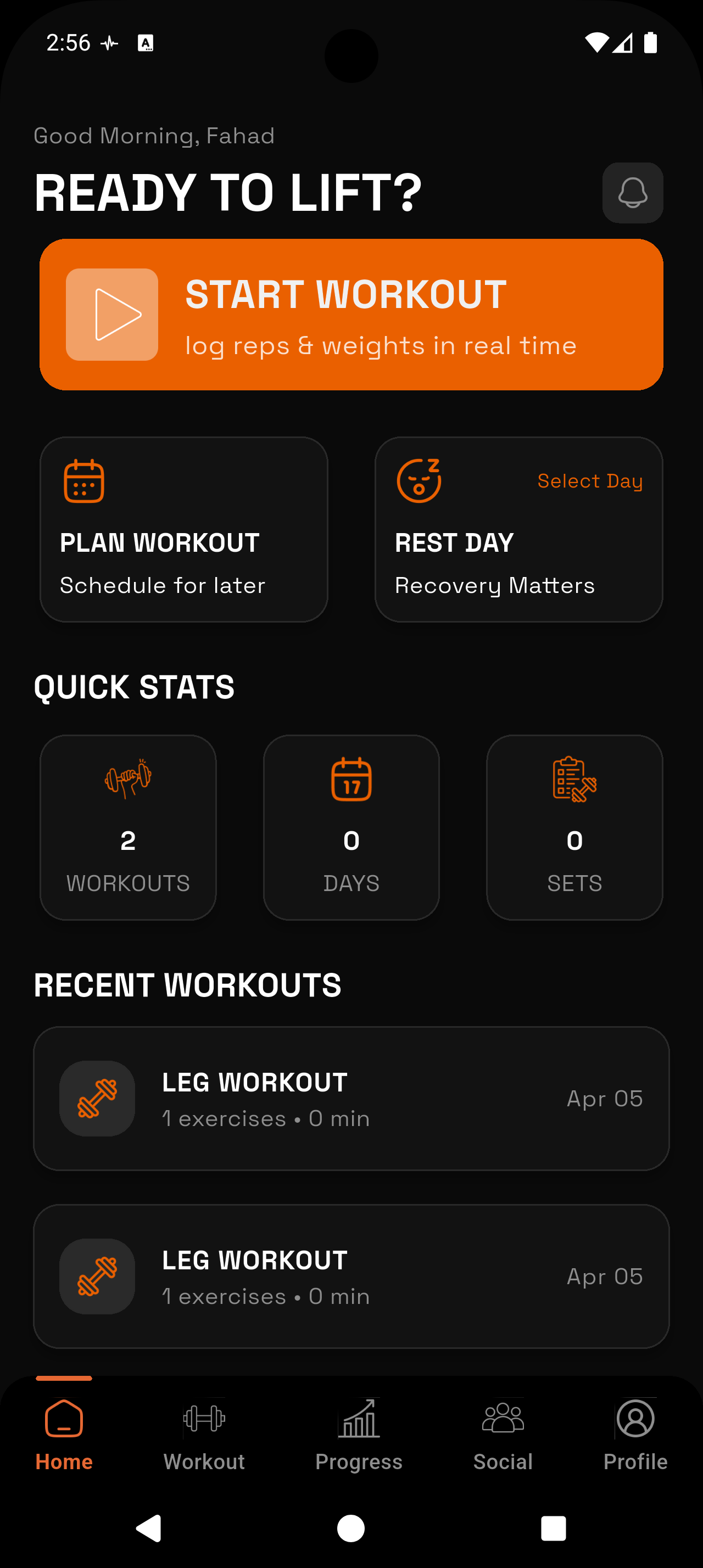
_1783546723734-CXKxCrzf.webp)
Per-Exercise History
Every set you've ever logged for a given movement is stored and instantly accessible. No digging through old sessions — just open the exercise and scroll back as far as you need.
Set-Level Detail
Each logged set records weight, reps, and set type — warmup, working, or failure. You'll always have the full picture, not just a single number.
Automatic PR Tracking
RepTally detects when you hit a new personal record and flags it automatically. No manual bookkeeping required.
Progress Charts per Lift
See volume, max weight, and estimated 1RM charted over time for any exercise. Spot trends, identify plateaus, and validate that what you're doing is working.
Exercise Notes
Attach notes directly to an exercise — form cues you're working on, a tweak that helped, or why you missed a rep. Useful context that lives right next to the data.
Works Offline
Log in a basement gym with no signal. Everything syncs when you're back online, so your exercise history is never incomplete.
How It Works
Open a workout and pick your exercise
Start a session and select the lift you're about to do — bench press, overhead press, whatever's on the program. RepTally immediately shows your last session's sets for that movement so you have a target.
Log each set as you go
Enter weight and reps after each set with a few taps. Mark the set as a warmup, working set, or failure. The whole entry takes seconds — fast enough to do before your rest timer runs out.
Add a note if something's worth recording
If you nailed a form cue, hit a grinder, or want to flag something for next time, drop a quick note on the exercise. It'll be there the next time you pull up that lift's history.
Review the exercise history between sessions
Before your next session — or just when you're curious — open any exercise and scroll through every set you've ever logged for it. Dates, weights, reps, notes, all in one view.
Check the progress charts to see the trend
Switch to the charts view for any exercise to see volume over time, your heaviest set each session, and estimated 1RM. Use this to confirm you're progressing or to catch a stall early.
Why Per-Exercise Logging Matters
Most lifters think about tracking at the workout level — did I go to the gym, did I finish the session. But the data that actually drives progress lives one level deeper: what did I do on this specific lift, on this specific date, and how does it compare to every time I've done it before.
When you can pull up your squat history and see twelve months of sets in a single scrollable list, patterns become obvious. You can see exactly when you stalled at a certain weight, when you switched rep ranges, and where things started moving again. That's not something you get from a general workout summary.
RepTally is built around this idea. Every exercise has its own log — a complete record of every time you've done that movement, with full set detail. It's the kind of reference a serious lifter actually needs.
What Gets Logged for Each Exercise
For every set you log in RepTally, you record the weight used, the number of reps completed, and the set type. Set types matter more than most apps acknowledge: a warmup set at 135 lbs and a max working set at 135 lbs are different pieces of information, and lumping them together distorts your history.
You can also mark sets as failure sets — useful for tracking true max efforts or identifying when fatigue is creeping into your working sets. Over time, these flags give you a more honest picture of how a lift is progressing than weight and reps alone.
- Weight (any unit — you set the preference)
- Reps completed
- Set type: warmup, working, or failure
- Optional note per exercise session
Reading Your Exercise History Before a Set
The most useful moment to see your exercise log isn't after a session — it's right before you start your first working set. Knowing you hit 225 lbs for 4 sets of 5 last week tells you exactly what today's target should be.
RepTally surfaces the previous session's data for each exercise while you're actively logging. You don't need to open a separate history view or remember what you did last time. The reference is already there.
If you want to look back further — say, to compare your current performance to where you were three months ago — the full history is one tap away. Every past session for that exercise is logged with the date and the complete set breakdown.
Progress Charts: Seeing the Bigger Picture
Individual sessions tell you what happened today. Charts tell you whether you're actually getting stronger over time. RepTally generates per-exercise charts for three key metrics: total volume (sets × reps × weight), your heaviest set each session, and estimated one-rep max.
Estimated 1RM is calculated automatically from your logged sets using a standard formula. It's not a perfect number, but it's a consistent one — which means it's useful for tracking trends even if you never max out.
Volume tracking is especially valuable for hypertrophy-focused lifters. It accounts for changes in rep ranges that raw weight numbers miss. If you dropped from 5 sets to 3 to manage fatigue, your volume chart will reflect that even if your top-set weight held steady.
Personal Records and Exercise Notes
RepTally tracks personal records automatically. When a new set exceeds your previous best for an exercise — whether by weight, reps at a given weight, or estimated 1RM — it's recorded as a PR without any manual input from you. Over a long training career, this becomes a useful archive of your best efforts on every lift.
Exercise notes are a small feature that turns out to be genuinely useful. A note tied directly to an exercise and its date — "narrowed grip two inches, felt much better on shoulders" or "failed rep 5, slept poorly" — gives you context that raw numbers can't provide. When you pull up an exercise six months later and wonder why your volume dipped, the note is right there.
Neither PRs nor notes require any setup. Log normally and they accumulate in the background. The exercise log is always building itself.
Frequently Asked Questions
Train. Track. Tally.
RepTally is free to use. Download it today and start logging your workouts in seconds.